LESLY SMARTFACTORY
Operate your machines, from fleet to component.
Lesly SmartFactory connects fleet insight, individual machine performance and component health. Prepare your project in simulation, then collect real data inside your plant.
Create my evaluation accountOne platform, three levels of insight.
01
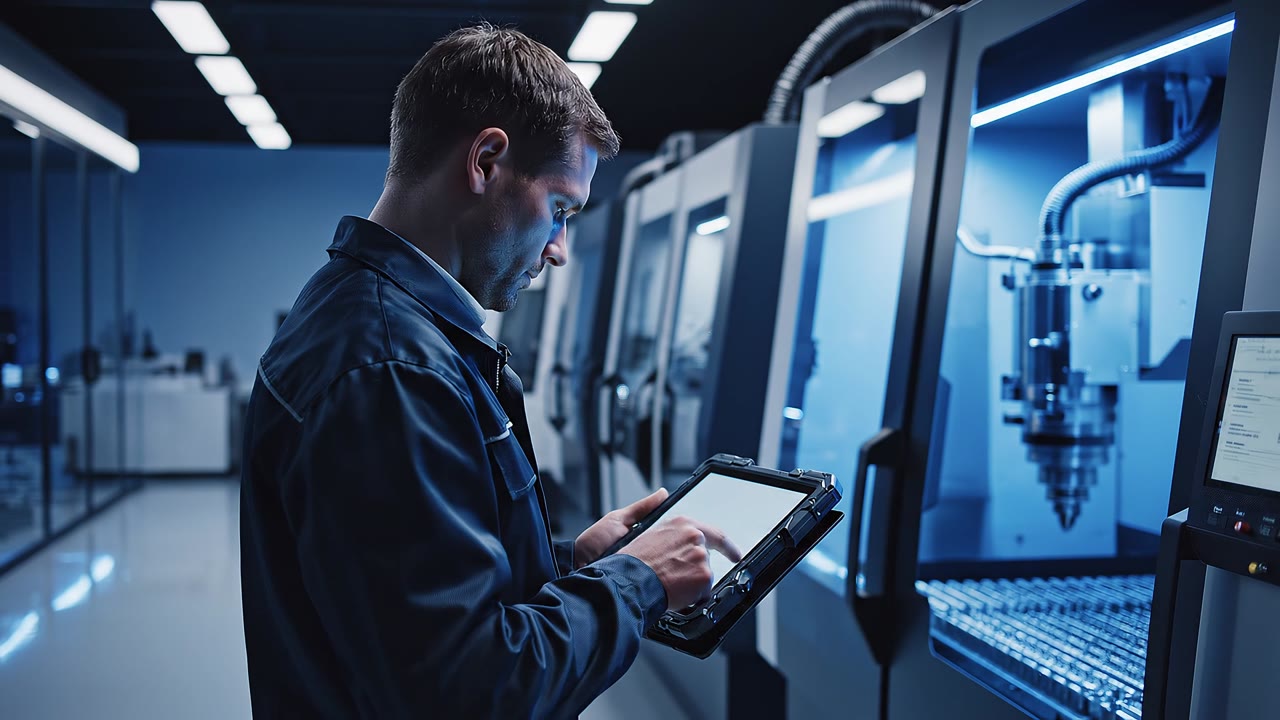
Company
Explore the library of machines, components and controllers. Simulation helps you prepare a project scope and discover the Lesly workflow before installing it on site.
02
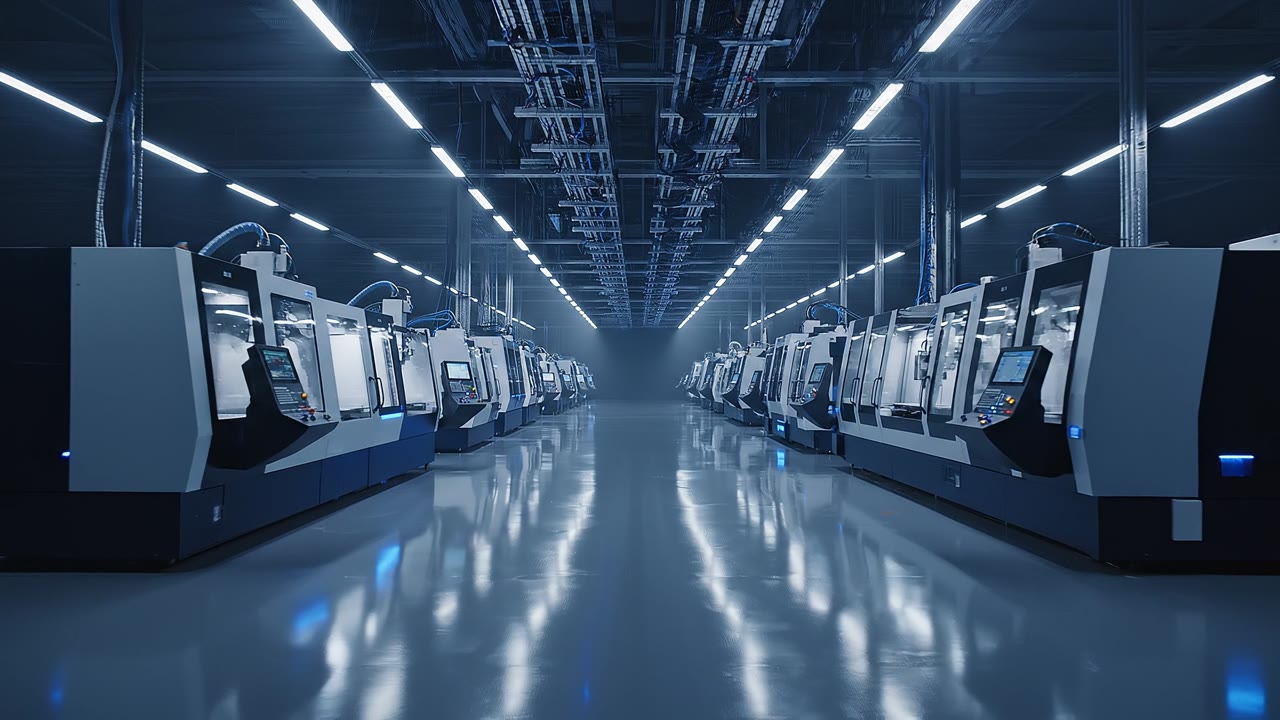
Machine
Track available machine states, downtime and production indicators. OEE, TRG and TEEP calculations depend on collected data and configured production rules.
03
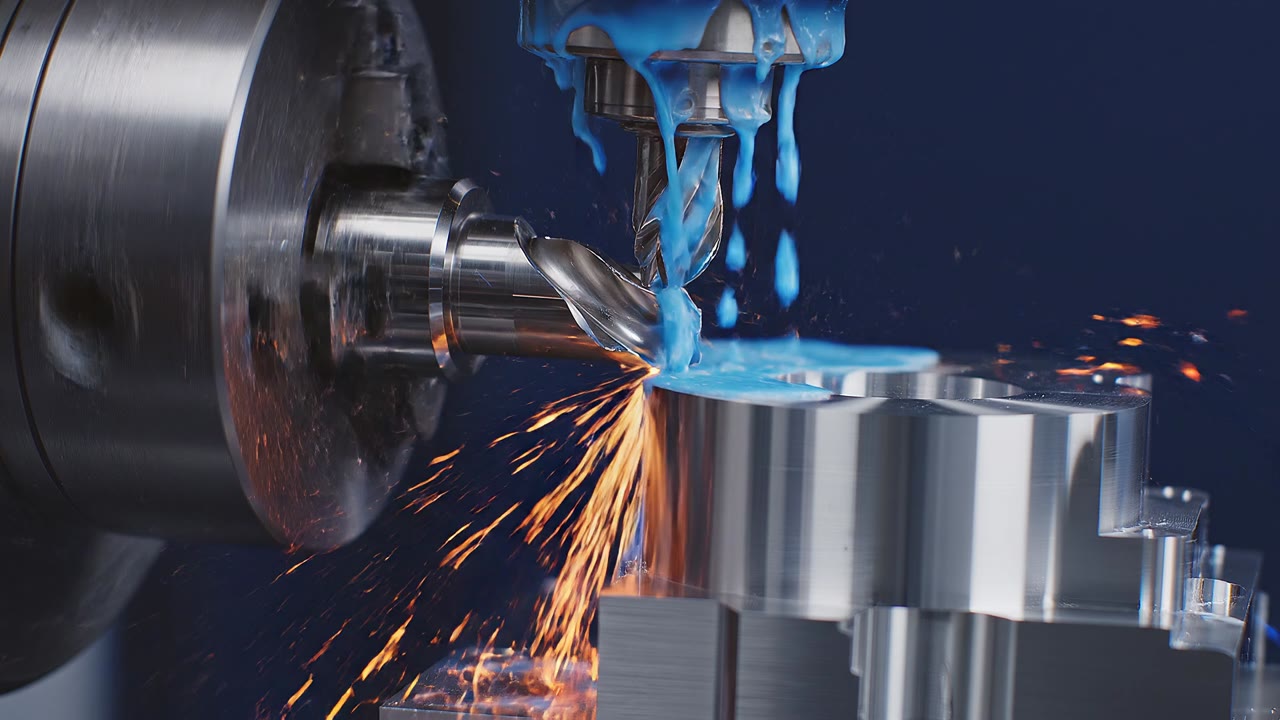
Component
Establish a KM0 baseline for monitored components. Deviations from reference operation help guide checks and diagnosis.
From simulation to your plant
Simulate your project
Prepare your machine and its components in your Cloud evaluation space. Simulation helps you explore Lesly; it does not replace validation on your equipment.
Install Lesly on your LeslyBox
Download the application and prepare your industrial PC for local operation. Check network prerequisites and controller access before deployment.
Connect and verify collection
On site, select a compatible controller, validate variables and check the first collected values. You can then use the modules configured for your machine.
Six technologies supporting your operations
01 / 06
Understand your machines with Lesly Smart Copilot
Ask questions by text or voice. The conversational agent helps you interpret available indicators and organise checks. It connects your question to machine context to guide your understanding of the data.
Read the full article (French)02 / 06
Locate checks with the 3D digital twin
The digital twin locates the machine and its components. It helps you identify the area to examine and connect monitoring information to a physical location. Diagnosis still relies on data and checks on your equipment.
Read the full article (French)03 / 06
Connect mixed equipment on a common data foundation
Lesly Agent Connect collects variables from compatible controllers across CNC, PLC, Drive and IoT families. A common format makes the data easier to use. Check supported protocols, accessible variables and collection rates for each controller.
Read the full article (French)04 / 06
Deploy a machine through a guided workflow
Prepare the connection, identify variables and validate their mapping before starting collection. The guided workflow supports these steps; checking initial values confirms the connection in the plant.
Read the full article (French)05 / 06
Analyse close to your machines on LeslyBox
Edge operation runs processing inside your plant on LeslyBox. You retain control over machine data and the local network. The Cloud space helps prepare your project; real deployment takes place on site.
Read the full article (French)06 / 06
Identify deviations using the KM0 baseline
KM0 establishes reference operation for monitored components. Lesly then measures deviations to help identify drift and guide maintenance checks. The relevance of the baseline depends on operating context and data quality.
Read the full article (French)Discover your evaluation space.
Create your account to explore simulation, the library and Lesly documentation.
Create my evaluation account